
SugarBearmoji1.0 - App Store
You'll be able to see results in few seconds.
Publisher Description
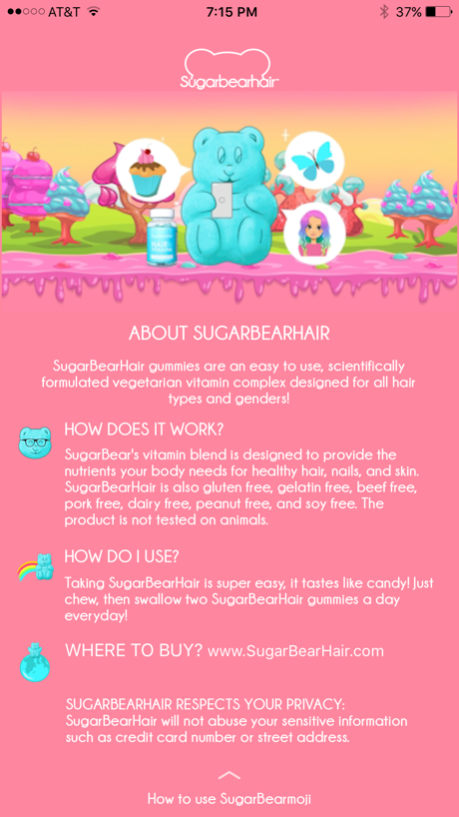
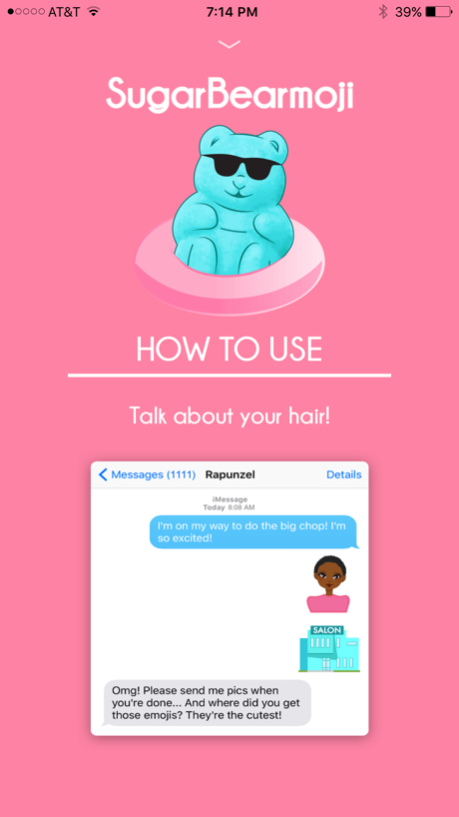
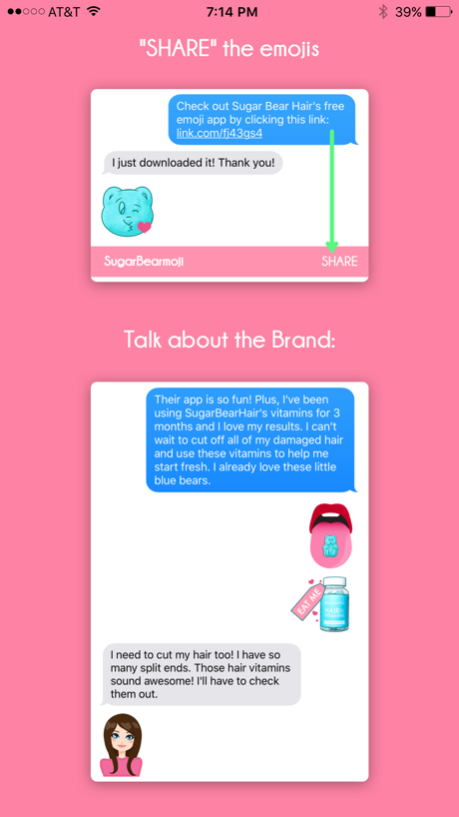
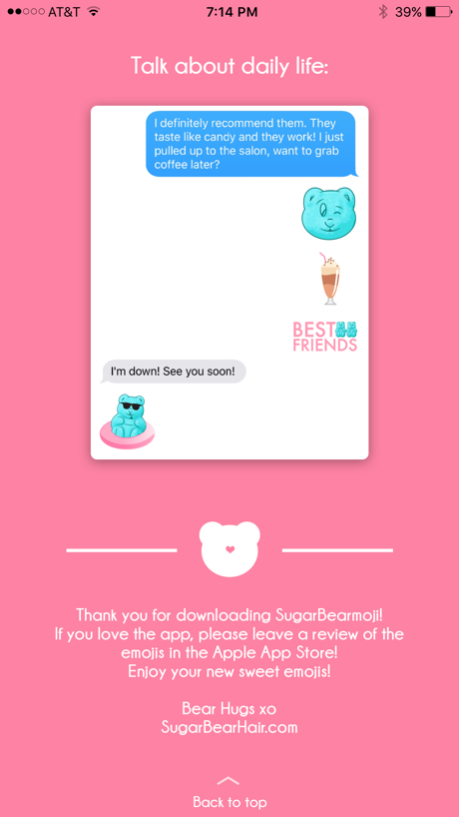
SugarBearHair is excited to announce the official SugarBearmoji app! Featuring over 400 brand new emojis celebrating SugarBear's love of all things sweet and all things hair! Emojis include everything from SugarBear's favorite snacks (anything sweet) to rainbow-haired SugarDolls to show off your hair color and style. Make sure to check back for frequent updates as we will be adding new emojis soon!
FEATURES INCLUDE:
- Over 200 "SugarDoll" emojis to represent different hair colors and hair styles, including "big chop" dolls and "bald" dolls.
- Fun emojis ranging from mermaids, unicorns and butterflies
- SugarBear themed emoji faces to express yourself 'beary' sweetly
- Emojis are compatible across all devices. Your friends don't need to have the app installed to receive messages with your SugarBearmojis!
PRIVACY POLICY AND ALLOWING FULL ACCESS:
Rest assured, SugarBearmoji will never collect any personal information or transmit what you type over any network. Turning on “Allow Full Access” is simply an iOS requirement for third party keyboard. SugarBearHair takes our user’s privacy very seriously and we will never abuse your privacy or your information.
CONTESTS AND GIVEAWAYS:
Check out our Instagram for more details!
Use the hashtag #SugarBearmoji
Instagram: @SugarBearHair
SnapChat: @SugarBearHair
Facebook: @SugarBearHair
www.SugarBearHair.com
For any questions or press inquiries please email sugarbearmoji@gmail.com
© Copyright 2016 SugarBearHair
Oct 24, 2016
Version 1.0
This app has been updated by Apple to display the Apple Watch app icon.
About SugarBearmoji
The company that develops SugarBearmoji is Fishermen Labs. The latest version released by its developer is 1.0.
To install SugarBearmoji on your iOS device, just click the green Continue To App button above to start the installation process. The app is listed on our website since 2016-10-24 and was downloaded 0 times. We have already checked if the download link is safe, however for your own protection we recommend that you scan the downloaded app with your antivirus. Your antivirus may detect the SugarBearmoji as malware if the download link is broken.
How to install SugarBearmoji on your iOS device:
- Click on the Continue To App button on our website. This will redirect you to the App Store.
- Once the SugarBearmoji is shown in the iTunes listing of your iOS device, you can start its download and installation. Tap on the GET button to the right of the app to start downloading it.
- If you are not logged-in the iOS appstore app, you'll be prompted for your your Apple ID and/or password.
- After SugarBearmoji is downloaded, you'll see an INSTALL button to the right. Tap on it to start the actual installation of the iOS app.
- Once installation is finished you can tap on the OPEN button to start it. Its icon will also be added to your device home screen.
Program Details
System requirements
Download information
Pricing
Version History
version 1.0
posted on 2016-10-24
Oct 24, 2016
Version 1.0
This app has been updated by Apple to display the Apple Watch app icon.
version 1.0
posted on 2016-10-24
Disclaimer
Official App Store Link
We do not host SugarBearmoji on our servers. We did not scan it for viruses, adware, spyware or other type of malware. This app is hosted by Apple and passed their terms and conditions to be listed there. We recommend caution when installing it.
The App Store link for SugarBearmoji is provided to you by apps112.com without any warranties, representations or guarantees of any kind, so access it at your own risk.
If you have questions regarding this particular app contact the publisher directly. For questions about the functionalities of apps112.com contact us.
